
Adding A Service Location
Three steps
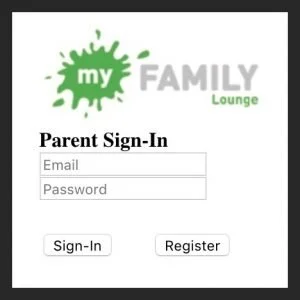
Step 1 – Login to Existing Family Account
Step 2 – Click “View Enrolment”
Click “View Enrolment” to edit your child's enrolment.

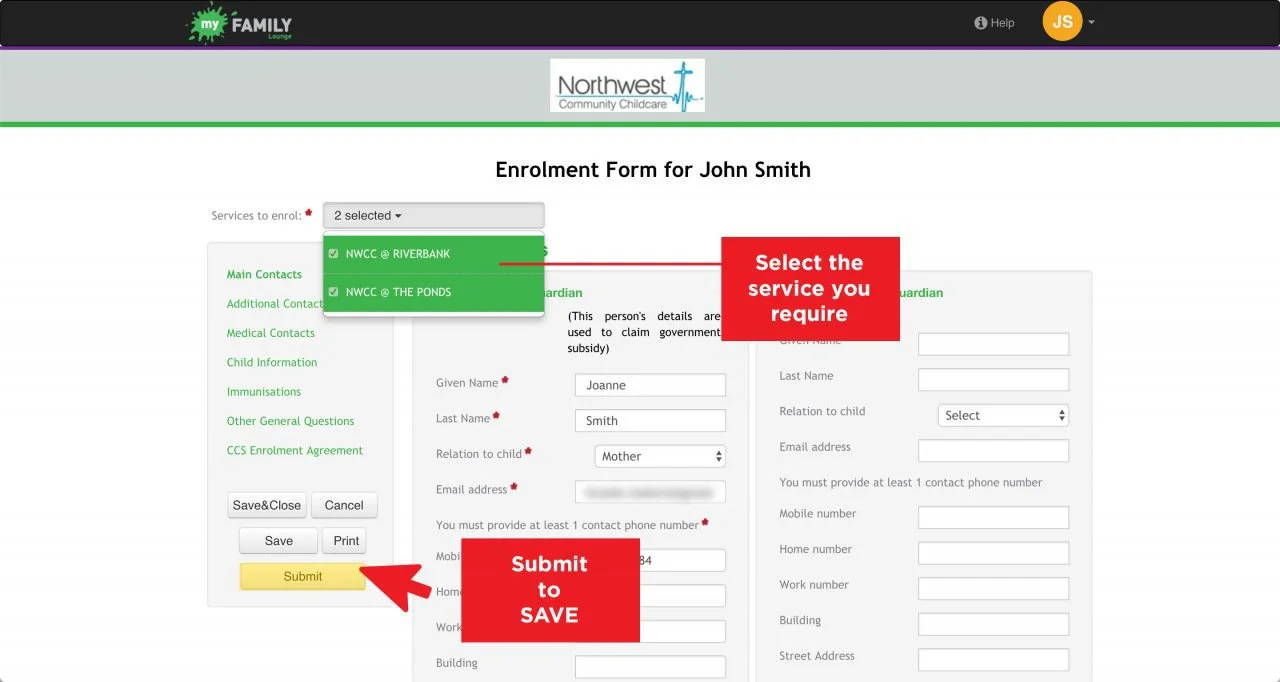
Step 3 – Add the Service Needed and Submit
Add the service location you require using the Services to enrol dropdown menu.
Click “Submit” to save your changes.
Can't see the service you wish to attend?
You will need to add a new service location to
your child/ren's enrolment using the steps above.