Uploading An Action Plan
Five steps
Step 1 – Login to Existing Family Account
Login to your existing family account.
Login to My Family LoungeStep 2 – Click “View Enrolment” to edit child enrolment
Click “View Enrolment” to edit child enrolment.

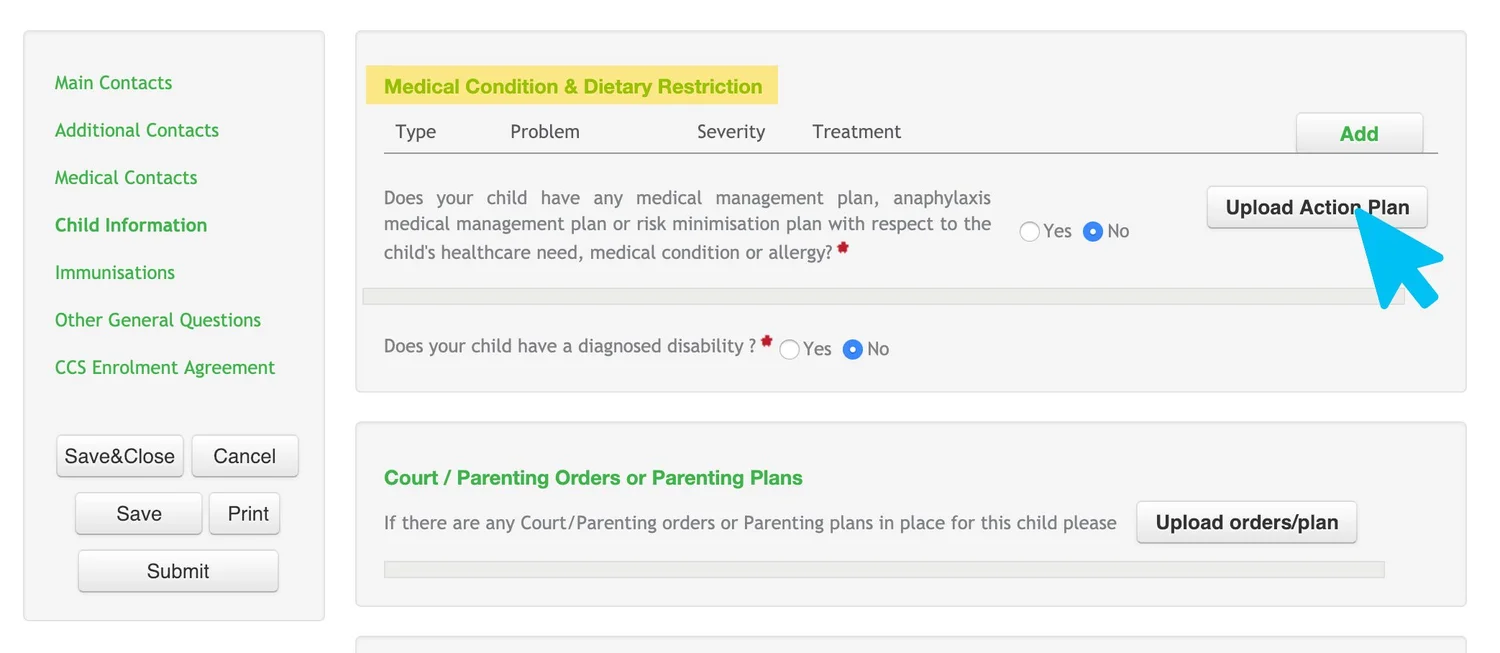
Step 3 – Navigate to Medical Conditions & Dietary Restrictions
Scroll to navigate to “Medical Conditions & Dietary Restrictions” and click “Upload Action Plan”.
Step 4 – Upload your document(s)
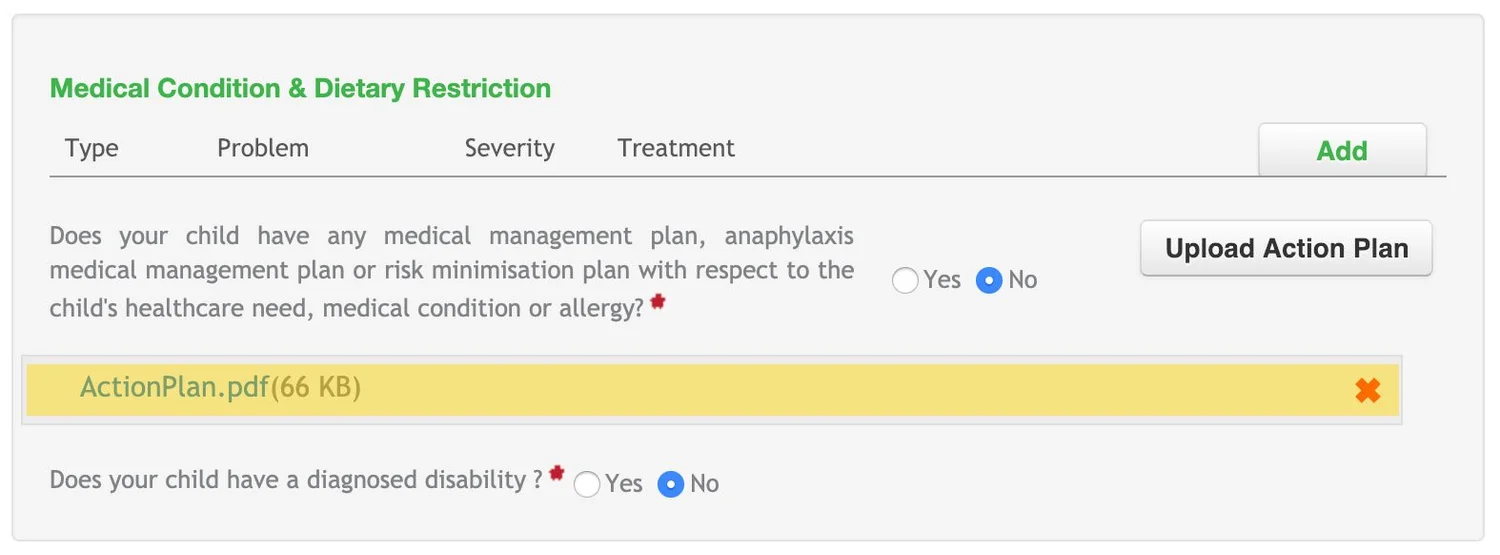
Follow the prompts to upload document(s). Successfully uploaded documents will appear as below.
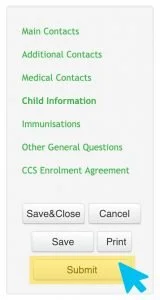
Step 5 – Click “Submit” to confirm
Click “Submit” to confirm.